
If you’re still writing your feeding instructions on paper or copying and pasting the same client message every day, this one’s for you.
Technology can feel overwhelming, especially when you’re already juggling a million things. But the right tools aren’t about being flashy; they’re about saving you time, keeping your team consistent, and helping you run a more peaceful, professional business.
Here’s a breakdown of some digital tools and categories to help you think through what could work for your pet care business.
Software That Makes Admin Easier
Google Docs or Forms for daily reports, check-in logs, or client info updates.
We use a Google Doc for tracking things like labor, attendance, injuries/illnesses, and general information our front-facing team needs in a pinch.
Forms are a great free tool to survey your team or clients to get valuable feedback about your services and culture.
QuickBooks (or similar) to streamline bookkeeping and keep you ready for tax season.
Texting capabilities within your scheduling or CRM software for quick, trackable client communication.
At our facility, texting has been an absolute game-changer. We can quickly copy and paste communication into notes that last forever and it helps with the anxiety of phone calls. The customers love the convenience of it, too!
Canned templates for email and SMS responses to save your team from writing the same thing 100 times.
Having a resource filled with the emails and messages you send every day will save your team tons of time in re-writing the same thing over and over. Consider things like: behavioral notes, health concerns (like throwing up bile), asking for reviews, general overviews of services, etc.
Not only are these faster, it ensures the message that goes out to everyone is branded, consistent, and clear.
Smarter Scheduling and Payroll
Homebase, Paychex, or ADP for scheduling shifts, managing time-off requests, and syncing payroll.
Payroll takes a lot of time and energy, so finding software that can mix payroll, scheduling, reviews, and documentation is a win.
Google Calendar for visualizing service flow, facility usage, or appointments.
We share our facility calendar with our front desk, trainer, and more so that everyone can see events, marketing goals, and holidays in one place.
Pro tip – you can even use Google Calendar in place of software like Calendly now. Even I even use it to schedule consultation calls, and the best part is, it reads your schedule so it never overlaps commitments.
ClickUp or other checklist software to track recurring tasks or onboarding steps.
Checklists are a huge topic in our industry. If you find a software you like that keeps consistent and easily adjusted checklists for your team, you will save a lot of time and energy.
We use ClickUp because it has the ability to be extremely flexible with dates (like recurring tasks scheduled every 3rd day, etc.) and I can add training links, policies and procedures directly to the task so I am sure they are being done right.
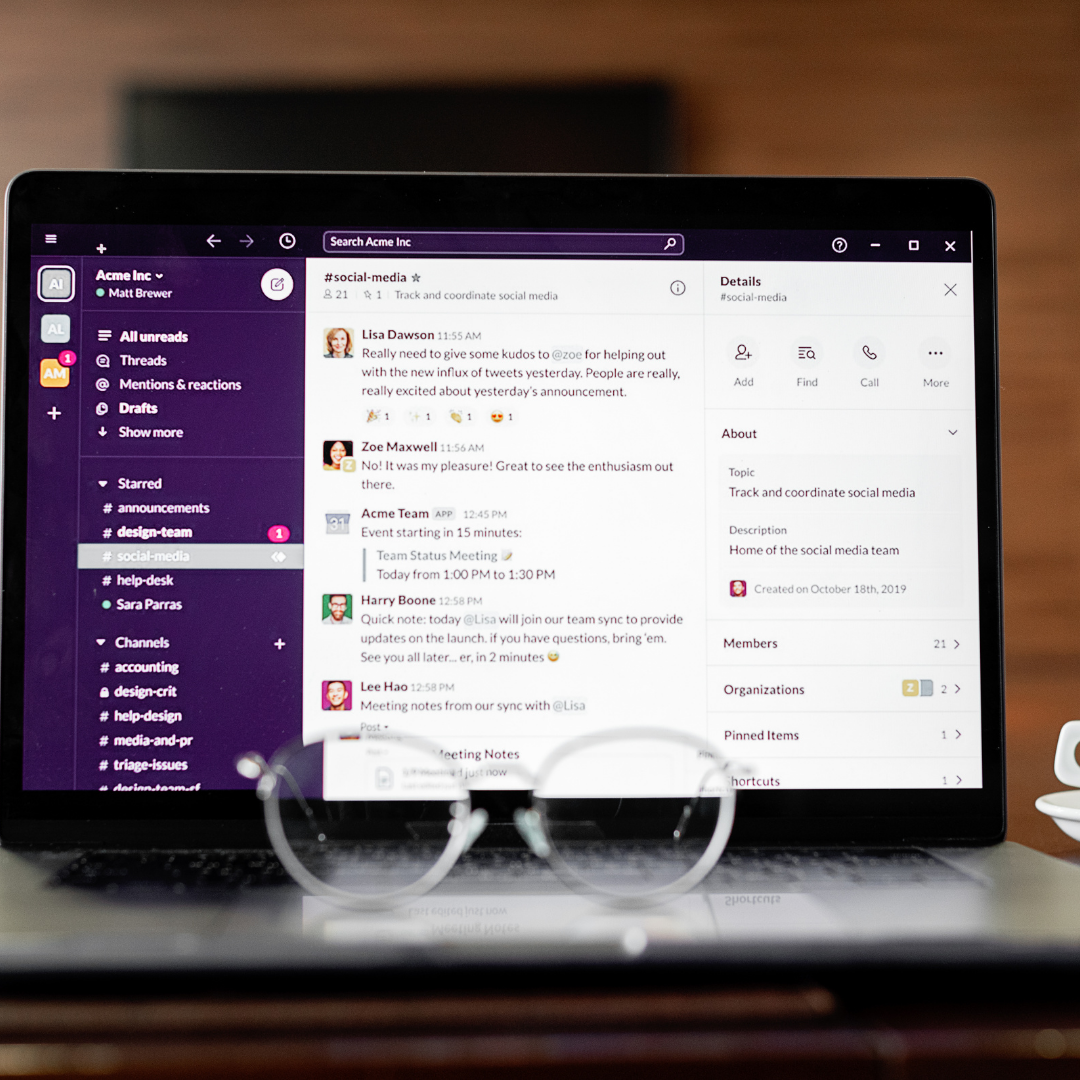
Slack or ConnectTeam to keep internal communication in one place (instead of messy group texts).
Communication is key to success! Having a setup that allows targeted communication within your team is a must. Plus, you can set up extra channels or groups for culture builders like: sharing gifts from customers, holiday pictures, shout-outs, and more!
This can be a cheap one, too. Slack has a completely free and fully functional option!

Marketing and Online Presence
Google Business Profile updates and reviews are one of your most powerful tools.
Planable or Meta Business Suite for scheduling social posts.
Canva (or Illustrator if you’re fancy) for easy, clean graphics.
ChatGPT for SEO support, content brainstorming, or market research.
Chatbots and autoresponders for instant replies on your website, Facebook, and Instagram.
Tools That Improve Client Communication
Report card apps or shared digital forms to give clients quick updates.
Grammarly to make sure written communication stays professional.
QR codes that link to service menus, client portals, or reviews.
Walkie apps (like Voxer) for fast team updates during busy shifts.
Suggestion: Start Small.
You don’t have to overhaul everything overnight. Start with one system you know is costing you time or energy. Whether it’s switching to digital checklists or building out your canned text templates, small changes add up fast.
If you want help figuring out where to improve your operations, feel free to schedule a call HERE.